Managed Hosting / Redmine Products / Redmine Automation Plugin Issue repeats
Create recurring issues and time entries in Redmine automatically
Redmine itself cannot repeat issues or time entries at fixed intervals. With the Automation Plugin you assign a schedule to an existing issue or time entry, for example weekly, monthly or every day at 7am. The plugin then creates a copy with all details of the template at each due date. Variables fill in changing values such as month or year automatically. The administration defines which schedules are available. If you remove the schedule or close the template issue, the repetition ends.
Set your scheduled tasks and spent time entries on repeat
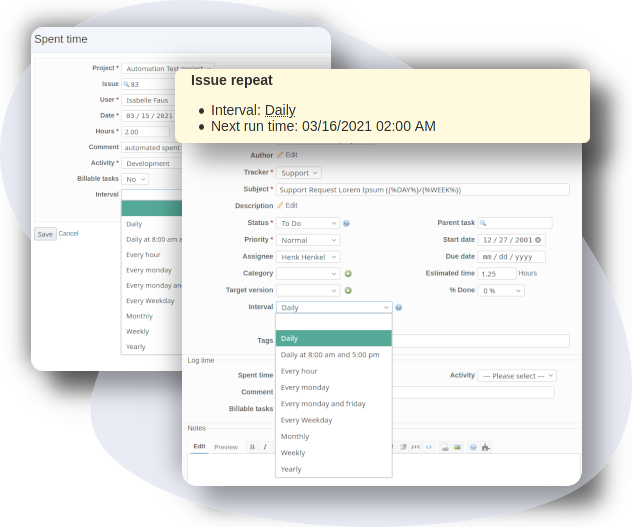
Some processes and workflows land on your desk again and again at fixed intervals. For those you set up an automatic repetition based on a time interval, for example weekly, monthly, every Saturday or every day at 7am.
Reduce time eaters
Creating the same task by hand again and again costs a lot of time over a year. Creating recurring issues manually is one of the biggest time eaters in project management.
Spent less on administrative tasks
If you automate this step with issue repetitions, part of the administrative work disappears. The time stays with the actual tasks.
Use repeated automation
The same applies to spent time entries for issue activities. Those run again automatically on a time interval as well.
Improve productivity. Accelerate goals. Make your team happy.
Our goal is to deliver a high quality product with real added value to demanding customers. Change your daily work with Redmine, now.

Buy Automation Plugin v4.6.0
Affordable prices regardless of your team size
1 Does not run stand-alone. Requires Redmine Reporting.