Managed Hosting / Redmine Products / Redmine ServiceDesk Plugin
Handle support requests without letting anything slip
What came in today, and what is still open?
The ServiceDesk plugin turns incoming emails into helpdesk tickets in Redmine. They show up in the same list as your other issues, with status, assignee and the contact of the sender. That makes it visible what arrived and what is still outstanding.
From administration to the HR department and from IT to marketing, you manage all incoming requests in one central location.
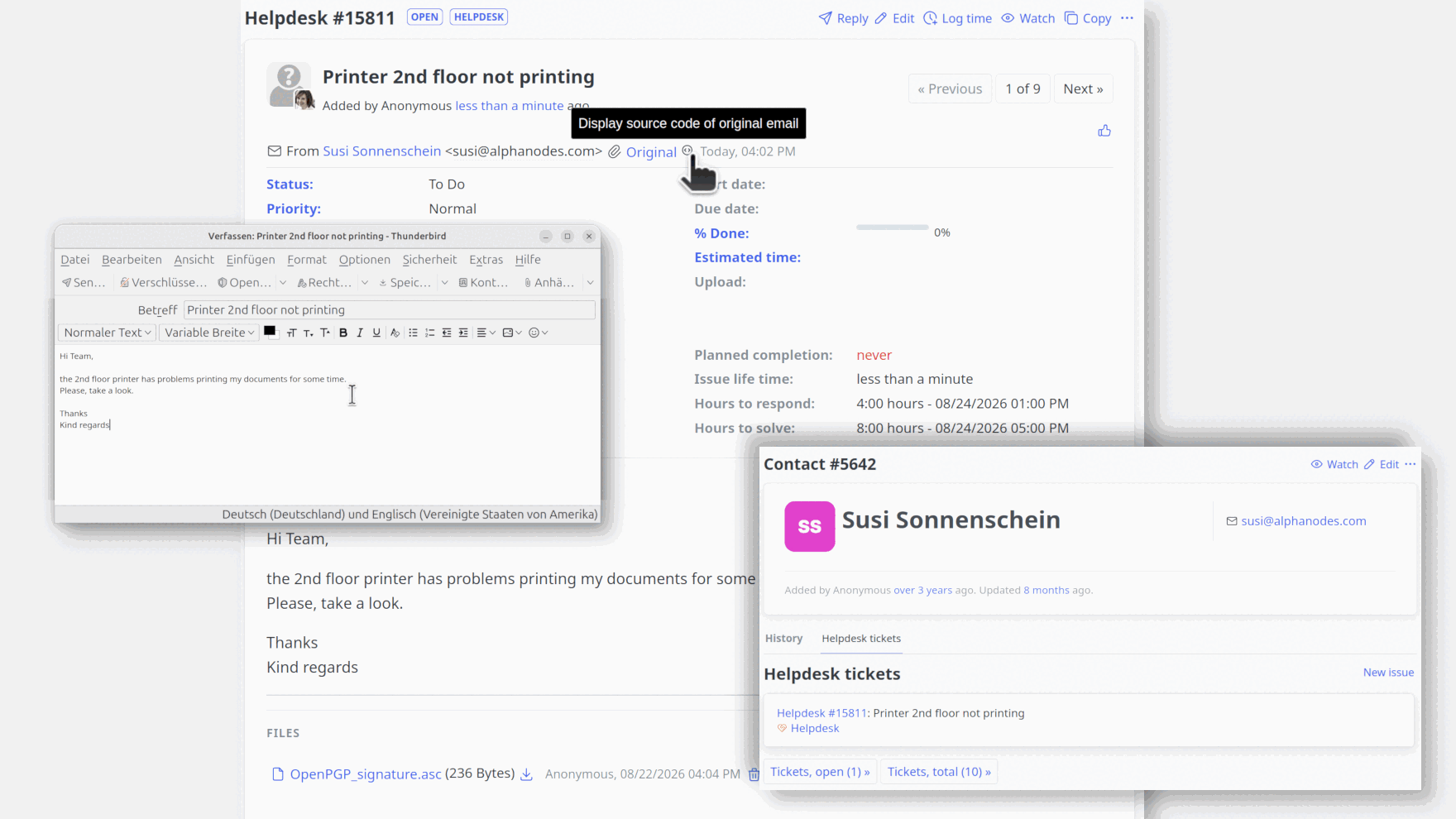
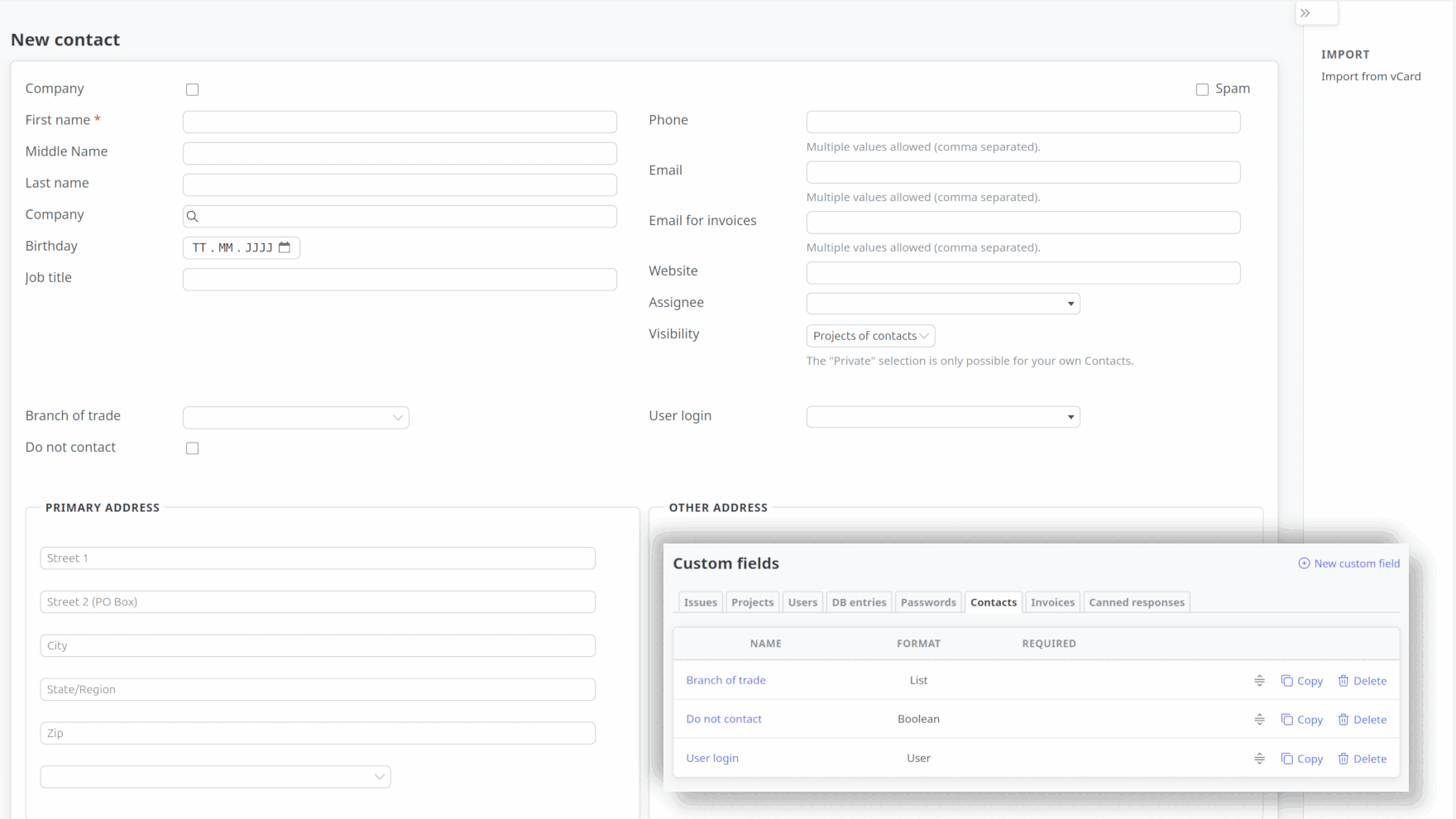
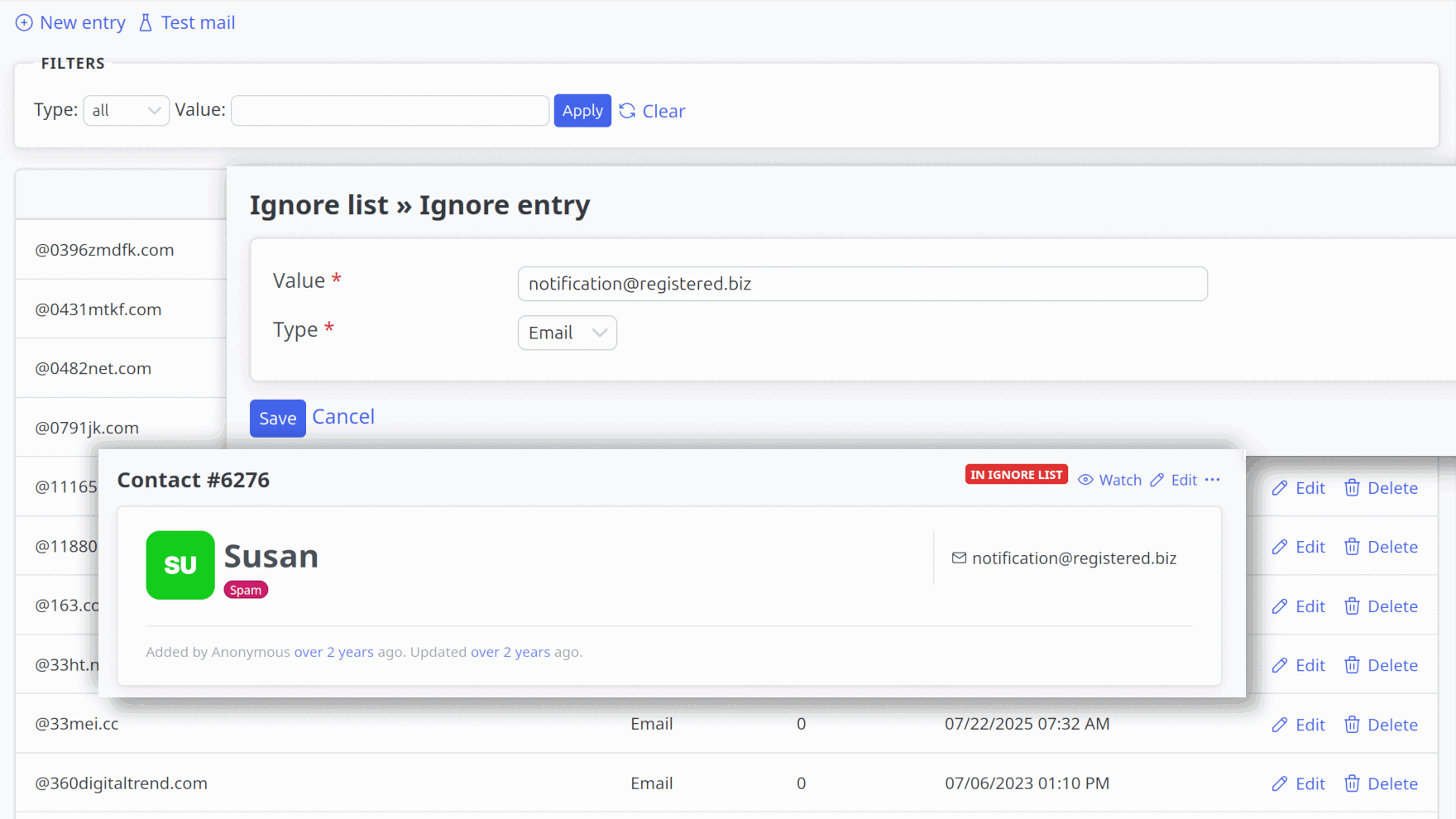
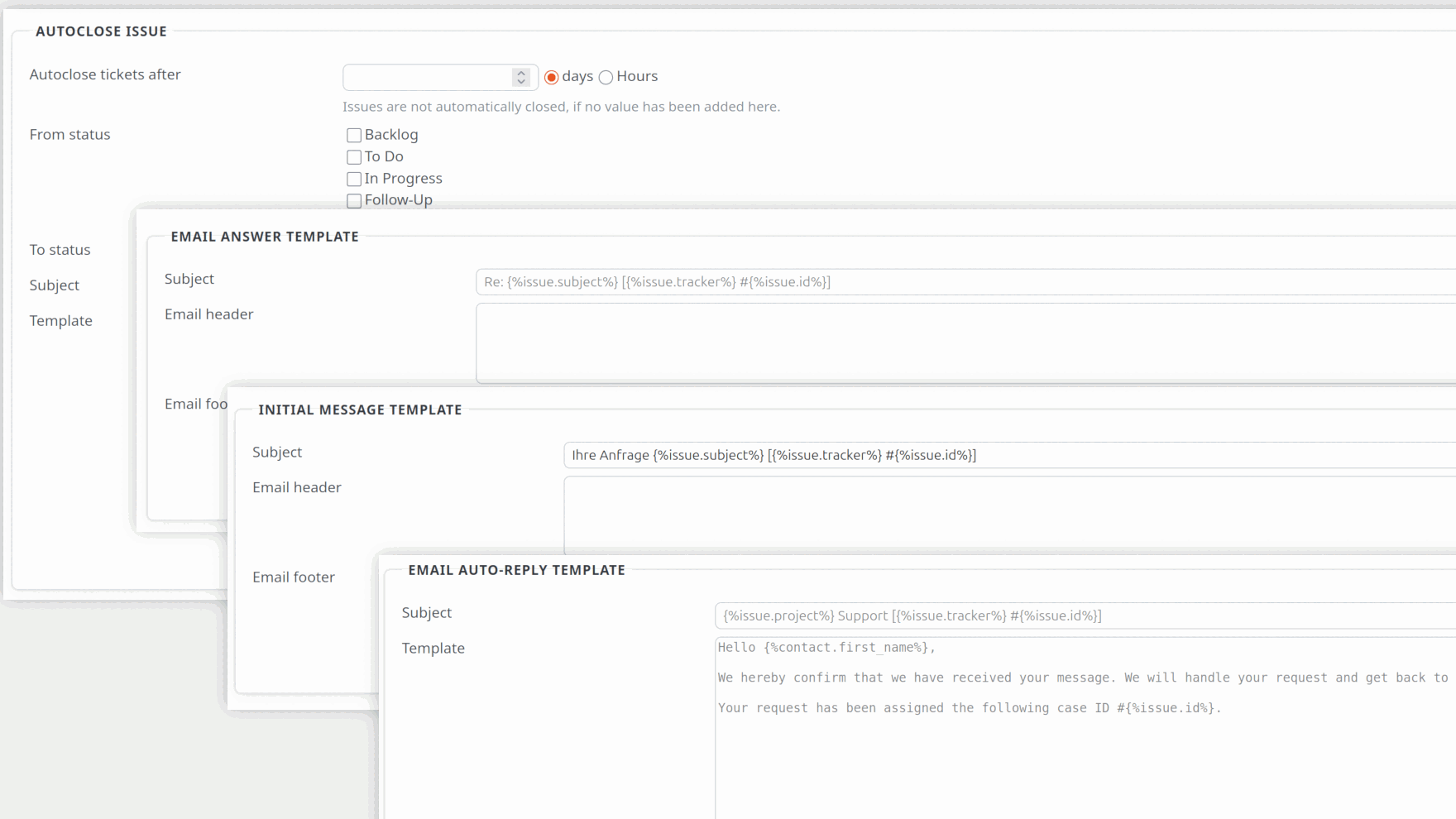
The Service Desk Plugin is an extension for Redmine. It provides support teams in IT, service and product development with a functional service desk for more efficient handling and communication with external incoming email requests.
Better handle support requests as a team and solve problems together.
Requests
Convert incoming emails into helpdesk tickets. Tag, track, prioritize, change and close them
Contacts & CRM
Manage contacts, categorize with TAGs, store information, measure customer satisfaction
Responses
Respond more quickly and consistently with canned responses. Requires the Templates plugin.
Increase the productivity of your support team.
Automation
Automated email rules through connection to the Automation Plugin
Customization
Individually customizable appearance of contact lists and table views
Centralize
Dashboard support to better display relevant support requests
Globalize
Manage response templates for Redmine issues and helpdesk tickets together. Share with others or use cross-project. Requires the Templates plugin.
Identify, improve and fix problems faster.
Reports
Reports with relevant information: First response time, most active time of day
Evaluations
Determine customer satisfaction with customer service assessments
Real-time Monitoring
Dashboard support to monitor service desk with real-time data
Helpdesk Forms
Generate leads via your website using the API or HTML5 form fields linked to your helpdesk
ServiceDesk for Redmine
Discover 4 advantages that distinguish our ServiceDesk Plugin from other helpdesk tools. Made in Germany, multilingual and part of our hosting package or Enterprise+ Bundle.
Response Templates for All Ticket Types
Response templates for helpdesk and regular Redmine tickets, managed in the Templates plugin. Usable globally (cross-project) or with appropriate role permissions in individual projects. This requires the Templates plugin to be installed. It is included in the Enterprise+ bundle.
Extensive Automation
Seamless integration with the Automation Plugin offering numerous rule actions. Automation of helpdesk tickets, regular ticket processes, contact entries and more.
Project-Specific Block List
SPAM defense through project-specific block lists. Incoming emails and contacts can be marked as SPAM. Block tickets by email sender or subject.
Individual Helpdesk Dashboard
Dashboard support for individual helpdesk dashboards. Central overview of current helpdesk requests for managers and support agents.
ServiceDesk as Helpdesk for Small Businesses
The needs of small businesses are not much different from those of mid-sized companies. However, small businesses usually do not have the necessary number of employees to handle support as the big ones do. That's why you need a helpdesk tool with extensive automation capabilities.
- Do you have SLAs (Service Level Agreements) for certain customers and want to better meet deadlines or escalate in a timely manner?
- Do you want to automatically tag, prioritize, assign to another agent, or move customer requests to another project?
- Do you have to consider data protection regulations or industry requirements and want to be sure that your helpdesk tool will help you?
The ServiceDesk Plugin supports you better than other tools in the Redmine area through its integration with the Automation Plugin. Issue rules, automatic resubmission of tickets, or ticket repetitions simplify your support job and ensure that less is forgotten and requests are processed more efficiently.

5 important reasons for usage
Particularly valuable for: Companies that already use Redmine and want to professionalize their external communication without having to introduce an additional system.
1. External communication without Redmine access
- The problem: Customers, suppliers, and partners usually need their own Redmine accounts for communication.
- The solution: External contacts can simply communicate via email, while everything is handled internally as a structured ticket. This saves on license costs and administrative effort.
2. Central communication history
- The problem: Email communication is scattered across different mailboxes and difficult to track.
- The solution: All external inquiries automatically end up as tickets in Redmine. The complete communication history is visible and searchable for all authorized team members.
3. Automatic ticket creation
- The problem: Manually transferring email inquiries into tickets is time-consuming and prone to errors.
- The solution: Incoming emails are automatically converted into help desk tickets, and contacts are automatically created. This saves a considerable amount of time in daily processing.
4. Professional spam management
- The problem: Unwanted emails clog up the help desk and burden employees.
- The solution: The project-related block list automatically filters out spam. With counters and dashboard integration, you retain control over the effectiveness of the filter.
5. Seamless integration into existing workflows
- The problem: Separate help desk tools mean media breaks and duplicate data maintenance.
- The solution: Since everything runs in Redmine, you can use the same project management features: time tracking, reports, workflows, permissions. Helpdesk tickets can be easily moved to regular projects or linked to other tickets.
Ready to improve your employee support or customer service?
The plugin is part of our Redmine Managed Application Hosting. It is available for purchase as part of the Enterprise+ Bundle
Buy Enterprise+ Bundle v4.6.0
ServiceDesk only available in Enterprise+ Bundle
ServiceDesk requires Redmine Reporting and Automation.