Managed Hosting / Redmine Products / Redmine Timesheet Plugin
Weekly timesheet and timer on the issue in a single extension.
Two ways to track time in Redmine
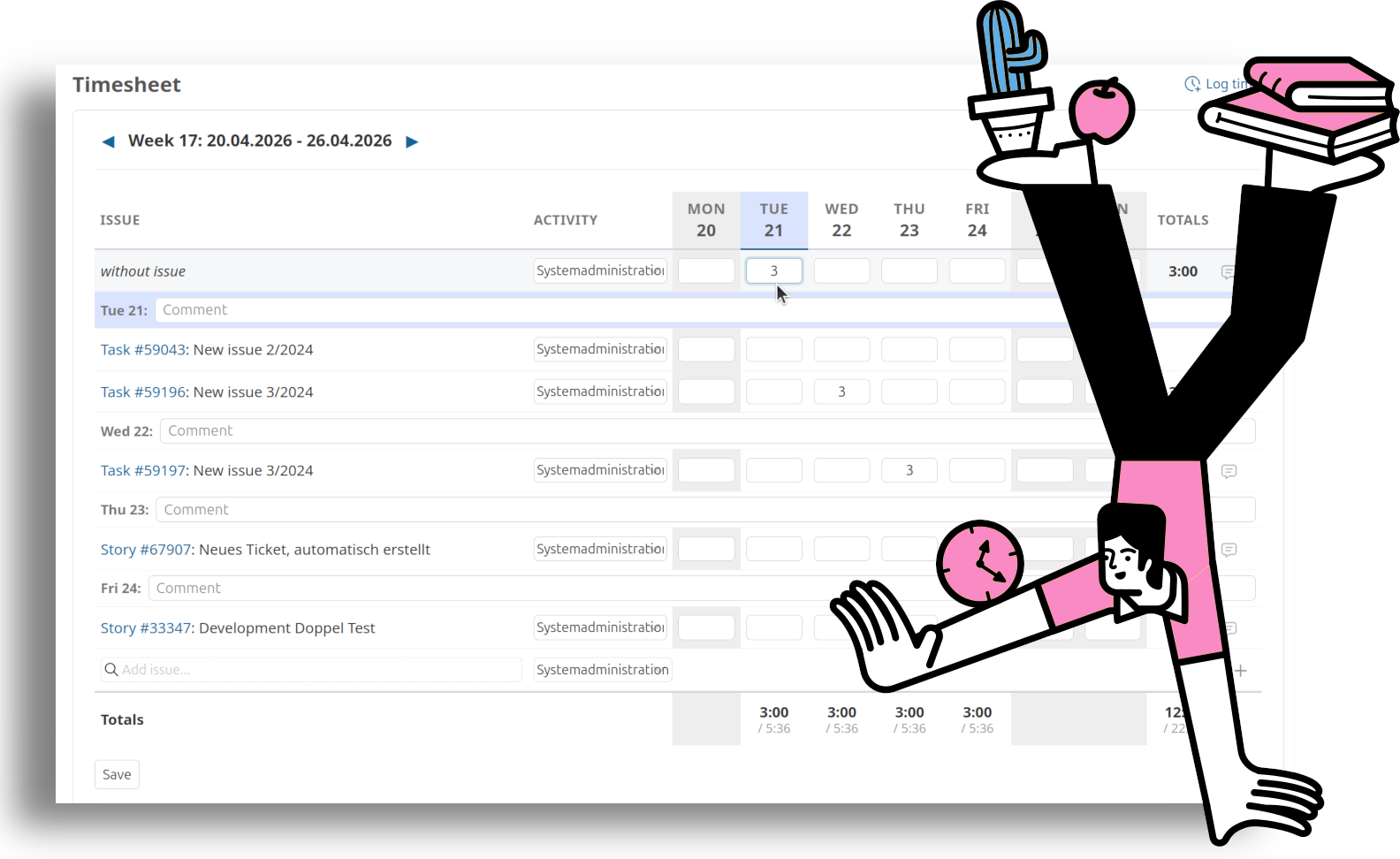
The Redmine Timesheet Plugin combines a weekly timesheet with a timer on the issue. Users enter the current week in a grid or start the timer directly on the issue.
Time tracking in Redmine works without an additional plugin. However, once the booking volume grows or time entries become billing-relevant, the standard form reaches its limits.
Faster entry for multiple records
The standard form books each time entry individually: open the issue, enter the effort, save. Five days with four issues each add up to 20 separate steps. The weekly timesheet maps the same entries in a grid view and reduces the work to a single form.
Measured time instead of estimated values
The standard form expects a number the user reconstructs from memory. The timer on the issue measures the actual working time. For project-based billing or budget analyses, this results in higher data quality.
Who benefits from the Timesheet Plugin
The value grows with booking volume and billing relevance. Teams that record only a few entries per week and do not bill at the issue level are well served by the standard form.
Your benefits at a glance
Weekly timesheet
Grid view across a calendar week. Multiple issues and days are booked in a single form.
Timer on the issue
The timer is started, paused, and stopped on the issue. The measured time is transferred into the time entry.
Status change on timer start
Configurable per tracker: starting the timer automatically moves the issue to the defined follow-up status, for example from “New” to “In Progress”. Saves clicks and keeps workflows consistent.
Visual weekly analytics
Metric tiles, hours-per-day bar chart with target line, and a project donut for the current week. At a glance: hours booked, target delta, billable share, and active issues.
Team view with heatmap and treemap
Week-wide overview of all team bookings. The heatmap shows utilization per user and day; the treemap shows hours per project. Clicking a cell or tile opens the filtered time entries list.
Dashboard integration
All analytics are also available as dashboard blocks: personal weekly metrics, hours per day, projects, plus team metrics, heatmap, and treemap.
Flexible activation
Enable the timer by default for all users or let every user switch it on or off in the account preferences.
Integration with the AlphaNodes ecosystem
Recorded time is available in the Redmine Reporting Plugin for cost and budget analyses. With Redmine HRM, daily and weekly target hours are shown in the timesheet and days over the target are highlighted.
One timer per user
Only one timer runs per user at a time. This matches real work and avoids inconsistent records.
Granular permissions
Dedicated permissions control who can see other users running timers or clean them up.
Analytics and team view
Beyond plain entry, the plugin provides visual analytics for the user’s own week and for the entire team. The personal view shows metric tiles, a daily breakdown with target line, and the project distribution. The team view combines a heatmap (users x days) with a treemap of project shares. Clicking a cell opens the filtered time entries list. All analytics are also available as dashboard blocks.
The Redmine Timesheet Plugin extends Redmine’s standard time tracking with a weekly grid and a timesheet. Working hours can be recorded in weekly batches instead of individually per booking.
Use cases:
- Service providers with project-based billing (agencies, IT service providers) who document hours per issue in Redmine.
- Teams that record time in a weekly rhythm. For this use case, the weekly grid is more efficient than single-entry booking.
- Customers with the HRM Plugin who also want to evaluate the work time calendar within the timesheet.
Buy Timesheet Plugin v4.6.0
Affordable prices regardless of your team size